
Digital whiteboard tools enable consultants to brainstorm, collaborate, and organize ideas visually in a virtual space. These tools simulate the functionality of a physical whiteboard while offering additional features like real-time collaboration, templates, and integrations with other project management tools. They are ideal for workshops, presentations, brainstorming sessions, and project planning with teams or clients located remotely.
If you would like to suggest a tool to add to this resource, please send us your recommendation.
1. Miro
- Website: www.miro.com
- Form of tool: Web-based platform, desktop app, mobile app
- Cost: Free plan available with up to 3 editable boards; paid plans start at $8/user/month
- Geographic coverage: Global
Description and Features:
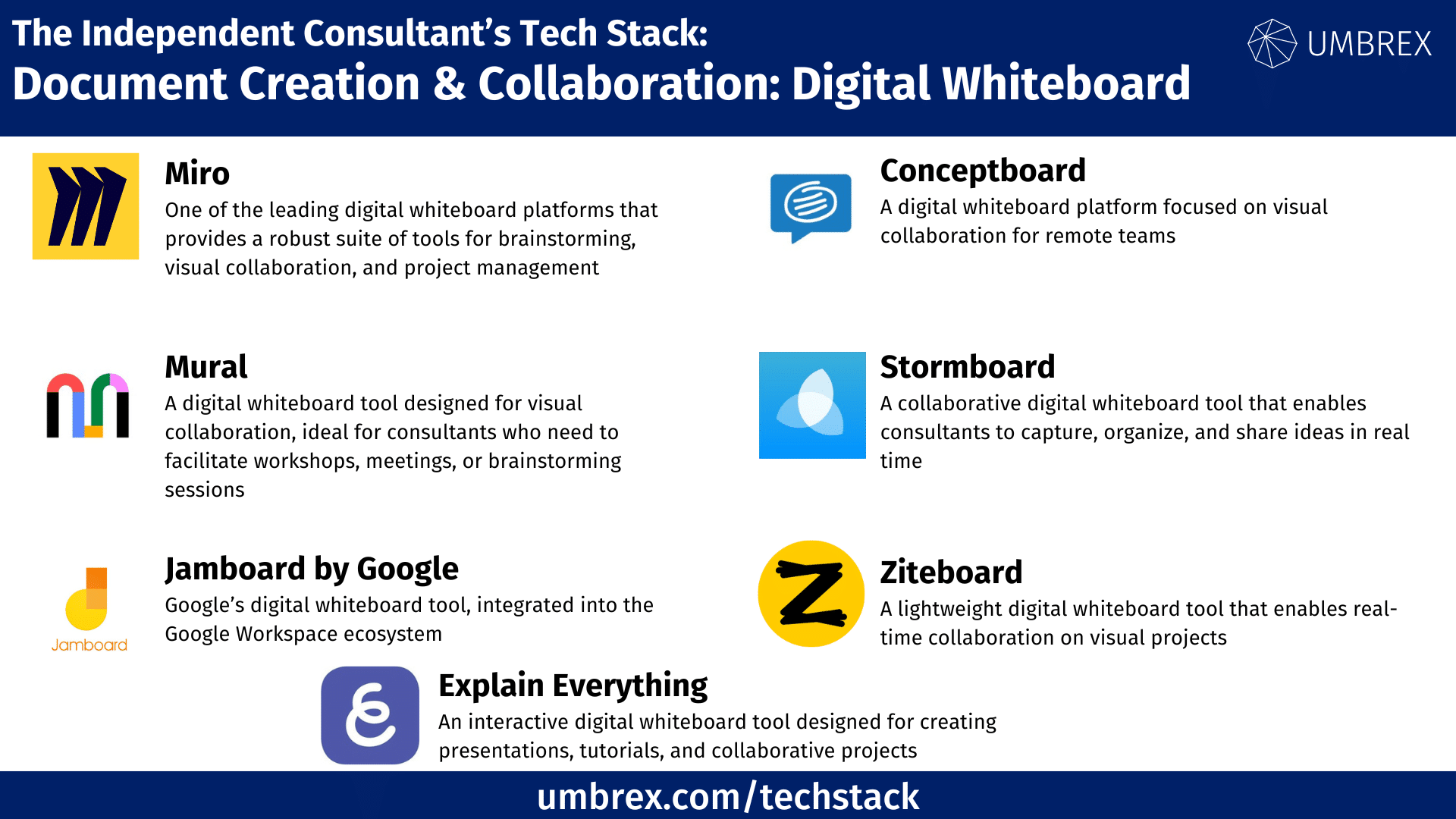
Miro is one of the leading digital whiteboard platforms that provides a robust suite of tools for brainstorming, visual collaboration, and project management. Consultants can create diagrams, mind maps, and wireframes while collaborating with clients and team members in real-time. Miro integrates seamlessly with tools like Slack, Google Workspace, and Microsoft Teams, making it a versatile option for project-based work.
Key Features:
- Real-time collaboration with unlimited team members
- Templates for brainstorming, mapping, and planning
- Integrates with project management and communication tools
- Voting, timer, and sticky notes for interactive sessions
- Supports both asynchronous and synchronous collaboration
Pros for Independent Consultants:
- Easy-to-use interface with a wide range of templates
- Great for collaborative workshops and remote teams
- Strong integration with other productivity tools
Cons for Independent Consultants:
- Free plan is limited to 3 editable boards
- Can become complex with many participants
2. Mural
- Website: www.mural.co
- Form of tool: Web-based platform, desktop app, mobile app
- Cost: Paid plans start at $12/user/month (no free plan but free trial available)
- Geographic coverage: Global
Description and Features:
Mural is a digital whiteboard tool designed for visual collaboration, ideal for consultants who need to facilitate workshops, meetings, or brainstorming sessions. It offers various templates, sticky notes, and diagramming tools to help structure collaborative work. Mural’s focus on design thinking, agile processes, and team alignment makes it a strong choice for consultants working with creative teams or cross-functional groups.
Key Features:
- Templates for brainstorming, design thinking, and strategy planning
- Real-time collaboration with feedback and voting tools
- Integration with Microsoft Teams, Slack, and Jira
- Export boards as PDFs or images for presentations
- Timer and facilitator controls for structured meetings
Pros for Independent Consultants:
- Comprehensive collaboration and facilitation tools
- Ideal for consultants working on workshops and strategy sessions
- Integrates with popular project management and communication apps
Cons for Independent Consultants:
- No free plan, only free trials for new users
- Can have a learning curve for new users
3. Jamboard by Google
- Website: www.jamboard.google.com
- Form of tool: Web-based platform, mobile app
- Cost: Free with a Google account (physical Jamboard hardware is optional and sold separately)
- Geographic coverage: Global
Description and Features:
Jamboard is Google’s digital whiteboard tool, integrated into the Google Workspace ecosystem. It allows consultants to brainstorm, draw, and collaborate with team members and clients in real-time. Jamboard’s simplicity makes it easy to use for consultants already familiar with Google tools. While it’s free for digital use, Google also offers a physical Jamboard device for more immersive experiences.
Key Features:
- Real-time collaboration with multiple participants
- Integration with Google Workspace (Docs, Sheets, Drive)
- Simple, intuitive interface for sketching and brainstorming
- Access from desktop or mobile devices
- Option to export boards to Google Drive
Pros for Independent Consultants:
- Completely free and integrates with Google tools
- Simple and effective for small teams or quick brainstorming sessions
- Easy to share and collaborate with Google Drive
Cons for Independent Consultants:
- Limited features compared to Miro or Mural
- Fewer templates and customization options
4. Conceptboard
- Website: www.conceptboard.com
- Form of tool: Web-based platform, mobile app
- Cost: Free plan available; paid plans start at €6.00/user/month
- Geographic coverage: Global
Description and Features:
Conceptboard is a digital whiteboard platform focused on visual collaboration for remote teams. It allows consultants to collaborate in real-time using sticky notes, drawing tools, and templates for various business needs. It supports both synchronous and asynchronous collaboration, making it ideal for consultants working across different time zones.
Key Features:
- Real-time collaboration with feedback and commenting
- Templates for project planning, brainstorming, and diagramming
- Integrates with tools like Microsoft Teams, Slack, and Trello
- Large canvas with no board size limits
- Built-in task management tools
Pros for Independent Consultants:
- Unlimited board size for large projects
- Strong collaborative features for remote teams
- Affordable pricing plans
Cons for Independent Consultants:
- Interface can feel cluttered for new users
- Limited free plan features
5. Stormboard
- Website: www.stormboard.com
- Form of tool: Web-based platform, mobile app
- Cost: Free plan available with up to 5 boards; paid plans start at $10/user/month
- Geographic coverage: Global
Description and Features:
Stormboard is a collaborative digital whiteboard tool that enables consultants to capture, organize, and share ideas in real time. It’s ideal for consultants managing meetings, brainstorming sessions, or remote workshops. Stormboard features digital sticky notes, task tracking, and customizable templates to help teams work visually and collaboratively.
Key Features:
- Real-time collaboration with digital sticky notes
- Templates for meeting agendas, brainstorming, and strategy sessions
- Voting and decision-making tools for teams
- Integration with Slack, Microsoft Teams, and Trello
- Export boards to PDF, Excel, and Word
Pros for Independent Consultants:
- Easy-to-use interface with strong brainstorming features
- Excellent for team collaboration and idea sharing
- Free plan available with decent features
Cons for Independent Consultants:
- Limited features in the free plan
- Paid plans are necessary for advanced collaboration tools
6. Ziteboard
- Website: www.ziteboard.com
- Form of tool: Web-based platform
- Cost: Free plan available with limited features; paid plans start at $9/user/month
- Geographic coverage: Global
Description and Features:
Ziteboard is a lightweight digital whiteboard tool that enables real-time collaboration on visual projects. Consultants can sketch, draw, and annotate while sharing ideas with remote teams. Ziteboard allows for screen sharing and image uploads, making it useful for quick brainstorming sessions and visual problem-solving.
Key Features:
- Real-time collaboration with multiple participants
- Supports image uploads, drawing tools, and annotations
- Screen sharing for virtual meetings
- Ability to export boards as PDFs
Pros for Independent Consultants:
- Simple, easy-to-use interface
- Ideal for quick brainstorming or collaboration
- Affordable pricing
Cons for Independent Consultants:
- Limited advanced features compared to competitors
- Basic interface design
7. Explain Everything
- Website: www.explaineverything.com
- Form of tool: Web-based platform, mobile app
- Cost: Free plan available; paid plans start at $3.99/month
- Geographic coverage: Global
Description and Features:
Explain Everything is an interactive digital whiteboard tool designed for creating presentations, tutorials, and collaborative projects. Consultants can use it to create multimedia presentations with annotations, images, videos, and voice recordings. It is perfect for visual communication, whether conducting workshops or building educational content.
Key Features:
- Multimedia support including images, video, and voice recordings
- Screen recording for tutorials and presentations
- Real-time collaboration with live feedback
- Cloud integration for easy sharing and storage
Pros for Independent Consultants:
- Great for creating interactive presentations
- Easy to use for both consultants and clients
- Supports multimedia content creation
Cons for Independent Consultants:
- Free version has limited features
- Primarily focused on presentations rather than brainstorming