
Client scheduling tools allow independent consultants to automate the process of booking meetings, saving time and reducing the back-and-forth communication involved in scheduling. These tools integrate with your calendar, allow clients to book meetings based on your availability, and often come with features like automated reminders, timezone adjustments, and rescheduling options.
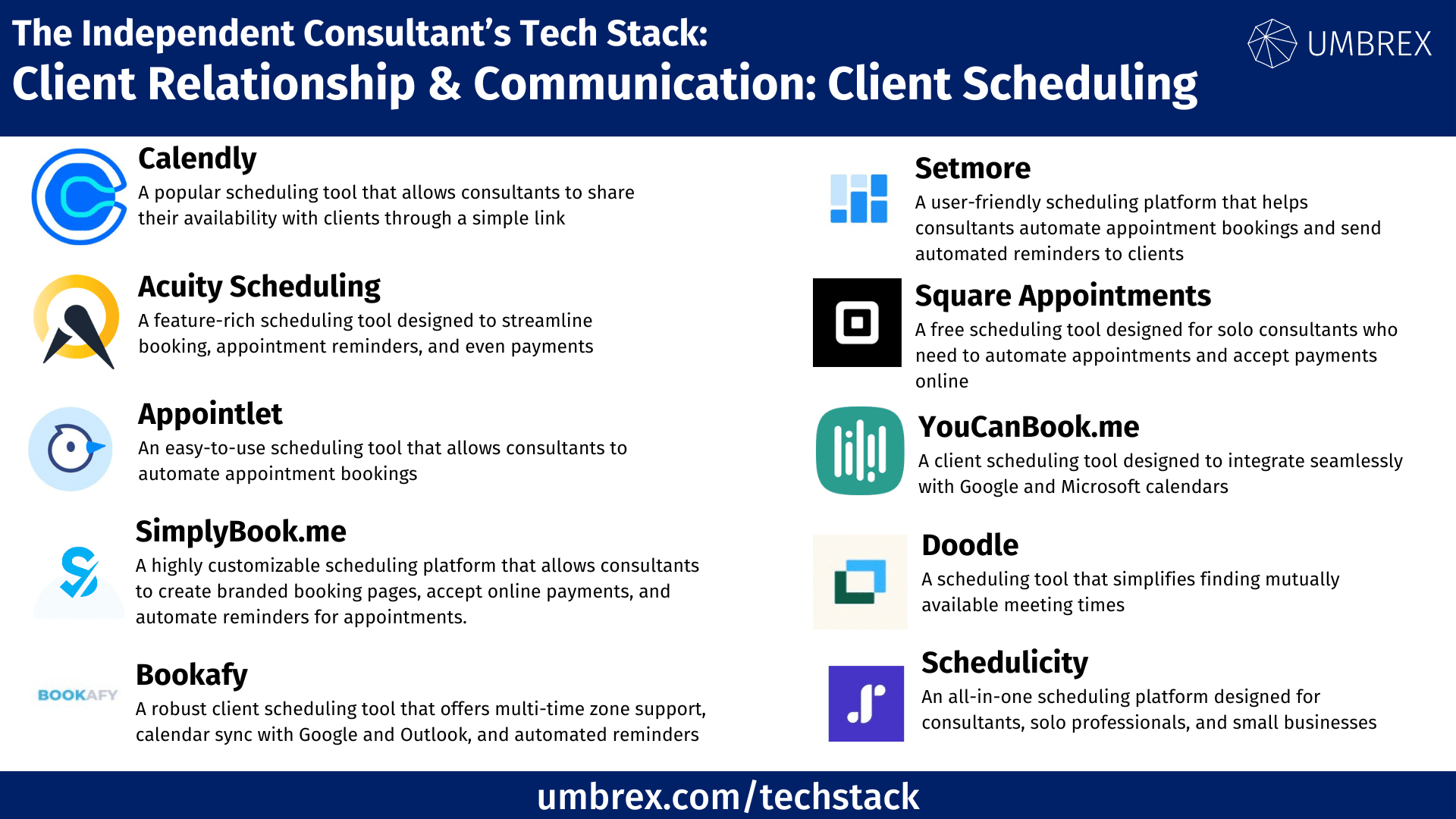
If you would like to suggest a tool to add to this resource, please send us your recommendation.
1. Calendly
- Website: www.calendly.com
- Form of tool: Web-based platform, mobile app.
- Cost: Free plan available; paid plans start at $8/user/month.
- Geographic coverage: Global
Description and Features:
Calendly is a popular scheduling tool that allows consultants to share their availability with clients through a simple link. Clients can pick a time that suits both parties, and the appointment is automatically added to the consultant’s calendar. Calendly integrates with popular calendar systems like Google Calendar and Outlook, and it supports integrations with video conferencing tools like Zoom and Google Meet.
Key Features:
- Automated scheduling based on your availability.
- Integration with Google Calendar, Microsoft Outlook, and others.
- Group event scheduling and round-robin scheduling for teams.
- Automated email and SMS reminders.
- Integration with Zoom, Microsoft Teams, and other conferencing tools.
Pros and Cons for Independent Consultants:
Pros:
- Simple and intuitive interface for both consultants and clients.
- Syncs with most major calendars and video conferencing tools.
- Eliminates back-and-forth in scheduling.
- Customizable scheduling pages and meeting types.
Cons:
- Free plan is limited in features.
- Customization options are more limited on lower-tier plans.
- No support for paid appointments in the free version.
2. Acuity Scheduling
- Website: www.acuityscheduling.com
- Form of tool: Web-based platform, mobile app.
- Cost: Free plan available; paid plans start at $14/user/month.
- Geographic coverage: Global
Description and Features:
Acuity Scheduling is a feature-rich scheduling tool designed to streamline booking, appointment reminders, and even payments. Consultants can set availability, send automated appointment reminders, and allow clients to reschedule or cancel appointments with ease. It also offers robust customization, allowing consultants to create branded scheduling pages, integrate payment processing, and manage multiple time zones.
Key Features:
- Customizable booking pages with branding options.
- Automated email and SMS reminders for appointments.
- Time zone conversion for global clients.
- Integration with Google Calendar, iCloud, and Outlook.
- Support for payment processing via PayPal, Stripe, and Square.
Pros and Cons for Independent Consultants:
Pros:
- Highly customizable scheduling and branding options.
- Support for online payments directly through the platform.
- Offers automated reminders to reduce no-shows.
- Great for consultants with international clients due to time zone adjustments.
Cons:
- More expensive than basic scheduling tools.
- Setup can be more complex compared to simpler platforms.
- Free plan is limited in terms of features and customization.
3. Appointlet
- Website: www.appointlet.com
- Form of tool: Web-based platform.
- Cost: Free plan available; paid plans start at $8/user/month.
- Geographic coverage: Global
Description and Features:
Appointlet is an easy-to-use scheduling tool that allows consultants to automate appointment bookings. Clients can schedule meetings by selecting from the consultant’s available times, and the tool automatically syncs with calendars like Google Calendar or Office 365. Appointlet also provides automated reminders, integration with video conferencing tools, and the ability to collect information via booking forms.
Key Features:
- Customizable booking pages with client intake forms.
- Automatic email reminders for appointments.
- Time zone detection for global scheduling.
- Integration with Google Calendar, Outlook, Zoom, and Microsoft Teams.
- Automated rescheduling and cancellation options.
Pros and Cons for Independent Consultants:
Pros:
- Simple, straightforward setup for consultants and clients.
- Free plan offers basic scheduling features.
- Syncs with major calendars and conferencing platforms.
- Automated email reminders reduce missed appointments.
Cons:
- Free version is limited in customization.
- Lacks advanced features like payments and branding without paid plans.
- Fewer integrations compared to other tools.
4. SimplyBook.me
- Website: www.simplybook.me
- Form of tool: Web-based platform, mobile app.
- Cost: Free plan available; paid plans start at $9.90/month.
- Geographic coverage: Global
Description and Features:
SimplyBook.me is a highly customizable scheduling platform that allows consultants to create branded booking pages, accept online payments, and automate reminders for appointments. It offers robust functionality for managing appointments, tracking client history, and generating reports on bookings. SimplyBook.me also supports integrations with popular calendars and video conferencing tools, making it an ideal all-in-one solution for independent consultants.
Key Features:
- Branded booking pages with customizable forms.
- Integrated payment processing for paid consultations.
- Automated email and SMS reminders.
- Client history tracking and reporting tools.
- Integration with Google Calendar, Outlook, and Zoom.
Pros and Cons for Independent Consultants:
Pros:
- Excellent customization and branding options.
- Supports online payments through Stripe and PayPal.
- Includes client management tools for tracking interactions.
- Comprehensive reporting features for tracking appointment data.
Cons:
- Setup process may be complex for new users.
- Free plan is limited to a smaller number of bookings.
- Higher-priced plans required for advanced features like branding and reporting.
5. Setmore
- Website: www.setmore.com
- Form of tool: Web-based platform, mobile app.
- Cost: Free plan available; paid plans start at $9/user/month.
- Geographic coverage: Global
Description and Features:
Setmore is a user-friendly scheduling platform that helps consultants automate appointment bookings and send automated reminders to clients. Setmore offers features like custom booking pages, support for online payments, and integration with Google Calendar, Outlook, and Zoom. It also includes client management tools, allowing consultants to keep track of client appointments and history.
Key Features:
- Customizable booking pages with easy setup.
- Automated email and SMS reminders for appointments.
- Payment integration with Stripe and PayPal.
- Client history tracking and appointment logs.
- Integration with Google Calendar, Outlook, and Zoom.
Pros and Cons for Independent Consultants:
Pros:
- Free plan offers robust features for solo consultants.
- Supports online payments directly from the booking page.
- Easy-to-use interface for both clients and consultants.
- Mobile-friendly for managing bookings on the go.
Cons:
- Fewer customization options compared to premium tools.
- Limited reporting and analytics in the free plan.
- Higher-tier plans needed for multiple user accounts or advanced features.
6. Square Appointments
- Website: www.squareup.com/appointments
- Form of tool: Web-based platform, mobile app.
- Cost: Free for individuals; paid plans start at $50/month for teams.
- Geographic coverage: Global
Description and Features:
Square Appointments is a free scheduling tool designed for solo consultants who need to automate appointments and accept payments online. It integrates seamlessly with Square’s payment processing system, allowing consultants to charge for services at the time of booking. Square Appointments also includes automated reminders and an easy-to-use booking page, making it a simple yet powerful tool for client scheduling.
Key Features:
- Free for solo consultants with integrated payment processing.
- Customizable booking page with rescheduling options.
- Automated reminders for appointments.
- Integration with Google Calendar and Outlook.
- Seamless payment integration with Square.
Pros and Cons for Independent Consultants:
Pros:
- Free for individual users with payment processing included.
- Easy to use and set up.
- Includes automated reminders and rescheduling tools.
- Integrates seamlessly with Square for invoicing and payments.
Cons:
- Paid plans required for teams or multiple users.
- Limited customization options for free users.
- Primarily focused on appointments and payments, lacking some advanced CRM features.
7. YouCanBook.me
- Website: www.youcanbook.me
- Form of tool: Web-based platform
- Cost: Free plan available; paid plans start at $10/month per calendar
- Geographic coverage: Global
Description and Features:
YouCanBook.me is a client scheduling tool designed to integrate seamlessly with Google and Microsoft calendars. It allows consultants to set availability, and clients can book meetings directly from an online calendar link. YouCanBook.me automatically updates the consultant’s calendar and sends confirmation emails to clients. It also offers customizable booking pages, email reminders, and time zone management, making it ideal for consultants working with international clients.
Key features:
- Integration with Google and Microsoft calendars
- Customizable booking pages and reminders
- Time zone management for international clients
- Automated confirmations and follow-up emails
- Real-time calendar syncing
Pros and Cons for Independent Consultants:
Pros:
- Easy to use and integrates with popular calendar apps
- Customizable for brand alignment
- Great for managing international bookings with time zone features
Cons:
- Limited features in the free plan
- Customization requires a paid plan
8. Doodle
- Website: www.doodle.com
- Form of tool: Web-based platform and mobile app
- Cost: Free plan available; paid plans start at $6.95/month per user
- Geographic coverage: Global
Description and Features:
Doodle is a scheduling tool that simplifies finding mutually available meeting times. Consultants can create polls with suggested meeting times and invite clients to vote on their preferred time. It also offers appointment scheduling for one-on-one meetings, allowing clients to book directly from available time slots. Doodle integrates with Google Calendar, Outlook, and other calendar apps, ensuring that all meetings are synced.
Key features:
- Group scheduling polls to find common availability
- One-on-one appointment booking
- Integration with Google Calendar and Outlook
- Automated reminders for booked appointments
- Time zone management for global clients
Pros and Cons for Independent Consultants:
Pros:
- Excellent for scheduling group meetings and client calls
- Time zone management for easy international scheduling
- Simple, user-friendly interface
Cons:
- Free version includes ads and limited features
- Advanced scheduling features require a paid plan
9. Bookafy
- Website: www.bookafy.com
- Form of tool: Web-based platform and mobile app
- Cost: Free plan available; paid plans start at $7/month per user
- Geographic coverage: Global
Description and Features:
Bookafy is a robust client scheduling tool that offers multi-time zone support, calendar sync with Google and Outlook, and automated reminders. It allows consultants to create custom booking pages where clients can schedule appointments, meetings, or calls. Bookafy’s customization options let consultants add their branding to the booking pages, and automated text and email reminders help reduce no-shows. The tool also integrates with Zoom and Microsoft Teams, making it ideal for virtual meetings.
Key features:
- Multi-time zone support for international scheduling
- Syncs with Google and Outlook calendars
- Customizable booking pages with branding options
- Automated email and text reminders
- Integration with video conferencing tools like Zoom and Microsoft Teams
Pros and Cons for Independent Consultants:
Pros:
- Flexible scheduling options with multi-time zone support
- Great for virtual meetings with video conferencing integrations
- Affordable pricing with a useful free plan
Cons:
- Customization features are limited in the free plan
- Advanced features like SMS reminders require a paid plan
10. Schedulicity
- Website: www.schedulicity.com
- Form of tool: Web-based platform and mobile app
- Cost: Free plan available; paid plans start at $20/month
- Geographic coverage: Global
Description and Features:
Schedulicity is an all-in-one scheduling platform designed for consultants, solo professionals, and small businesses. It offers appointment booking, automated reminders, client management, and payment processing. Consultants can customize their booking pages, send clients appointment reminders, and integrate with social media platforms to promote services. Schedulicity is particularly well-suited for consultants who need to manage both client appointments and payments in one place.
Key features:
- Appointment booking with automated reminders
- Customizable booking pages and client management tools
- Payment processing and invoicing options
- Integration with social media platforms
- Calendar sync with Google and Outlook
Pros and Cons for Independent Consultants:
Pros:
- Comprehensive scheduling and client management in one tool
- Payment processing features for easy invoicing
- Integration with social media for promoting services
Cons:
- Higher cost for advanced features
- Some features are more suited for service-based industries, not consulting